
PC performance
PC crashes, FSR, DLSS and settings
If the game crashes: verify files, launch with -clearPSODriverCache, then do a clean GPU driver install. PC Major Update 1.1.0 (October 6, 2026) added AMD FSR 4.1.1 to the Video settings. The official notes do not state a console version.
Focused pages: crash fix, PC settings & performance, Steam Deck.
Official crash checklist
From Frogwares' pinned Steam FAQ (edited 20 August 2026):
- Steam: right-click The Sinking City 2 → Properties → Installed Files → Verify integrity of game files.
- Add launch option
-clearPSODriverCache. - Reinstall, then reboot Windows before the next launch.
- Clean-install current GPU drivers.
If it still crashes, send Frogwares a ticket at frogwares.com/support with dxdiag.txt, a crash screenshot or video, and a zip of %localappdata%\TSC2 (usually C:\Users\you\AppData\Local\TSC2\).
Does it support AMD FSR?
Yes on PC, as of Major Update 1.1.0. The October 6, 2026 notes add AMD FSR 4.1.1 to the Video settings. They also add a Legacy mode for NVIDIA DLSS. They do not mention Intel XeSS and do not state a console version.
DLSS and Frame Generation
- DLSS Frame Generation needs an RTX 40 or 50 series card. Also enable Windows Settings → System → Display → Graphics → Hardware-accelerated GPU scheduling, then reboot if it was off.
- If Frame Generation makes 60 Hz monitors feel worse, turn V-Sync off while FG is on.
- If the DLSS upscaler option is missing, clean-install the NVIDIA driver (Display Driver Uninstaller first, per Frogwares).
- DLSS Performance and Ultra Performance are marked unstable: ghosting and artifacts. Use Balanced or higher.
- DLAA was missing at launch. A developer replied on Steam that they were investigating; it is not listed as fixed in Hotfix 1.0.1, Hotfix 1.0.2, or Major Update 1.1.0.
Settings that actually help
- Change presets on the title screen, not mid-game. Mid-session changes can cause visual bugs; restart or reload if they appear.
- Drop 4K/1440p to 1080p before lowering every quality slider. Several launch analyses found individual quality options move FPS less than resolution and upscaling.
- The Low preset is only for NVIDIA 1000-series and AMD equivalents and can introduce artifacts. Avoid it unless you must.
- PC Major Update 1.1.0 added HDR output, HDR10+ support, a brightness calibration screen with a peak brightness range up to 500 nits, and multi-monitor HDR. HDR follows the system HDR setting. The notes do not mention a field-of-view slider.
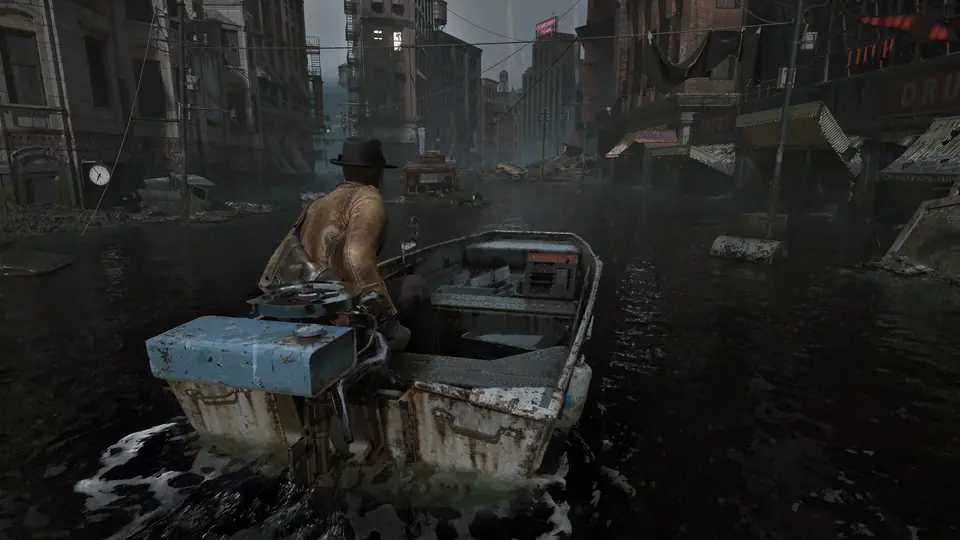
- Stuck in geometry, enemies wedged after a stomp, or a black screen after ramming the boat: reload the last save. Do not ram piers with the boat.
Minimum and recommended specs: system requirements. Update history: patch notes. Visual mods (ultrawide, no-intro): PC mods.
Steam Deck and consoles
Valve marks the game Steam Deck Unsupported. Reviewers reported frame rates in the teens at the lowest preset. Wait for later patches if Deck is your only machine.
PlayStation 5 and Xbox Series received console Patch 1.0.1 on 25 August 2026 (performance, crashes, shotgun reload loop, Prism puzzle). The October 6, 2026 Major Update 1.1.0 notes do not state whether consoles received that update. Details are on the patch notes page.
Technical steps from the official Frogwares Steam FAQ. FSR/HDR/FOV context labeled from Wccftech and DSOGaming. Hotfixes: Steam news 19–21 August 2026. Major Update 1.1.0: Steam announcement October 6, 2026. Reviewed October 7, 2026.